Digital menu board software for restaurants, cafés and counters.
Type the menu once, pick a design, and put it on the TV above the counter. Change a price and every screen shows it within seconds — and the board keeps playing when the internet does not.
Eleven designs. Pick the room, not the layout.
Every design draws the same items, on a screen hung flat or turned on its side, so going from a chalkboard to a dark bar board is one click, not a rebuild. These are renders of the app itself, with a sample menu and stock photos of dishes.
Landscape — above the counter
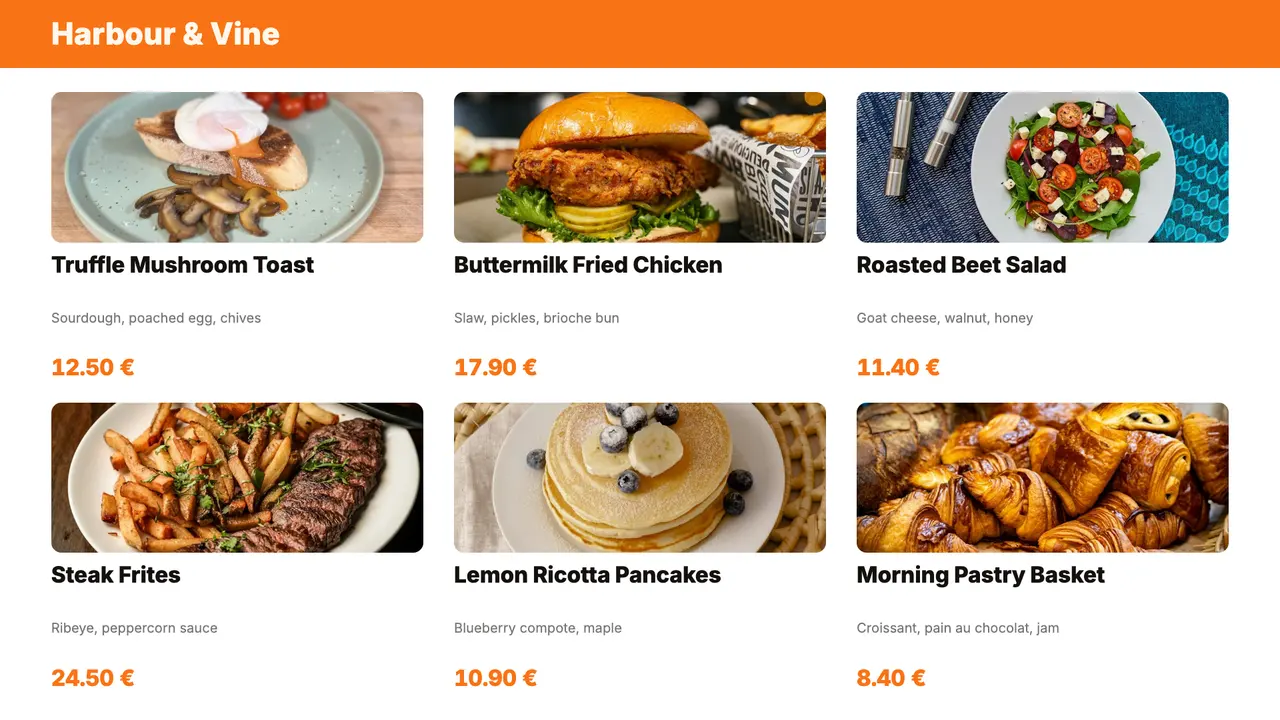
Light and clean, for a café or a bakery 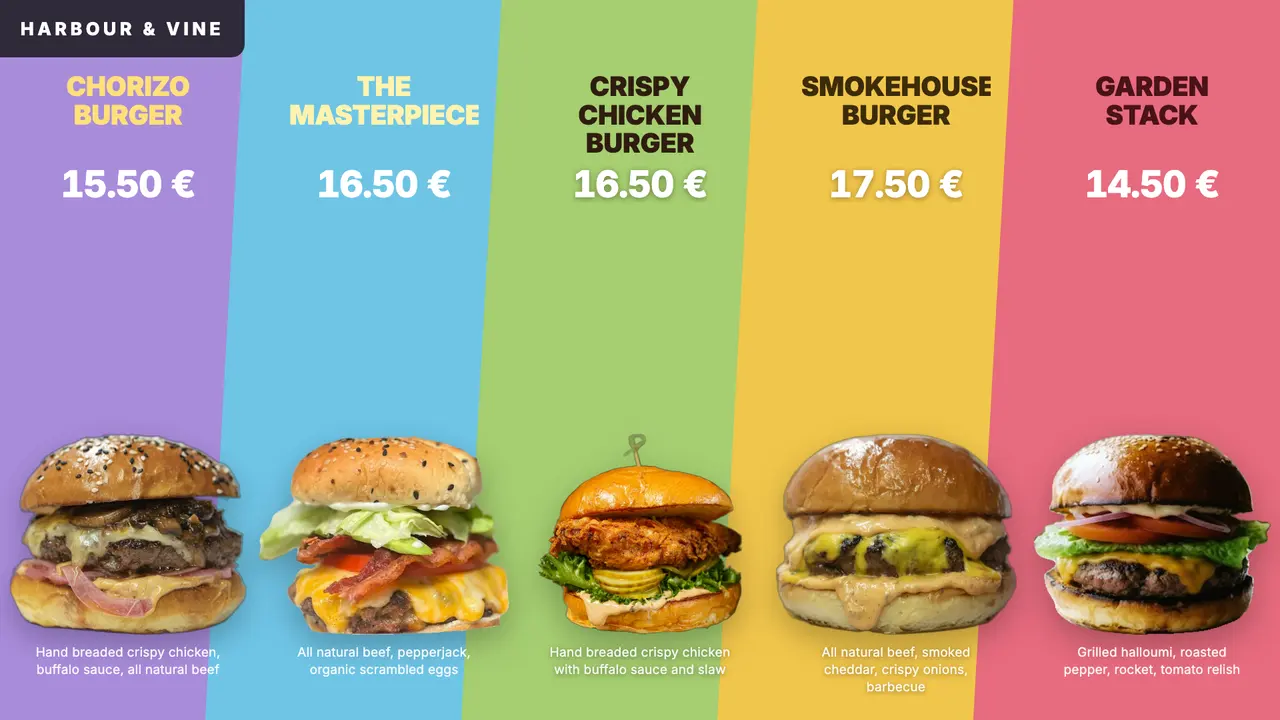
A colour band behind every dish 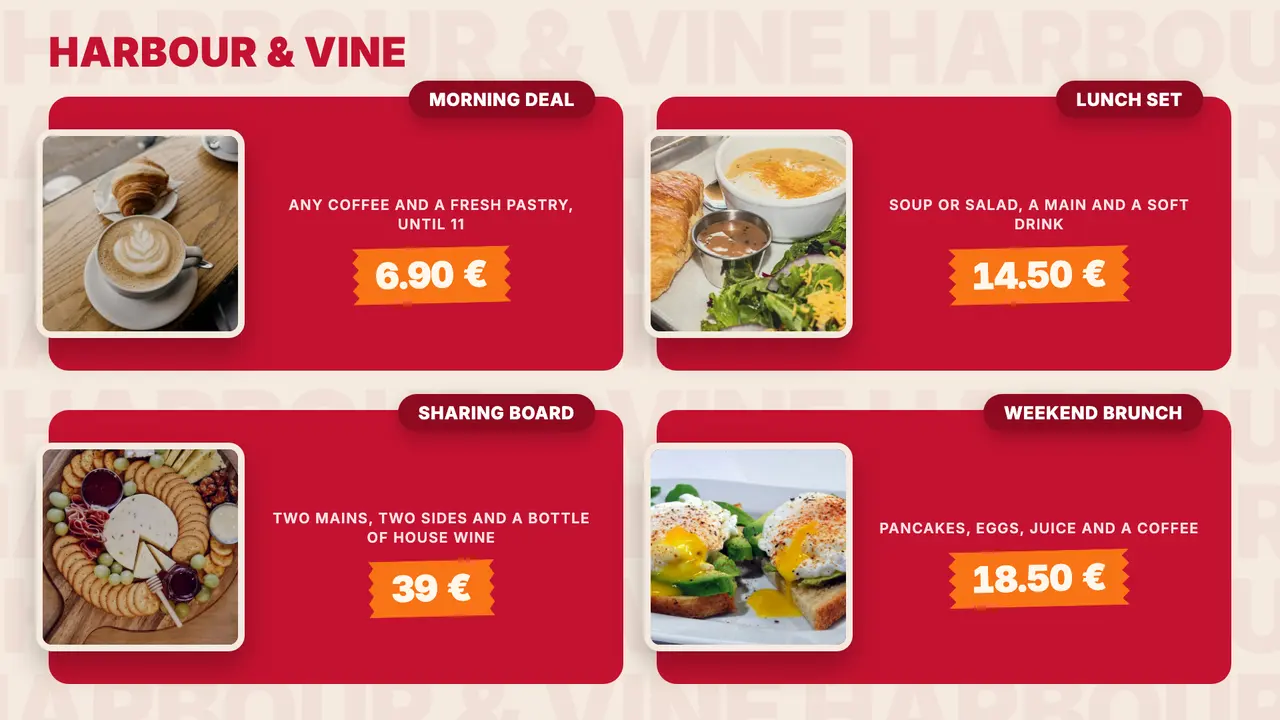
Cards for deals and offers 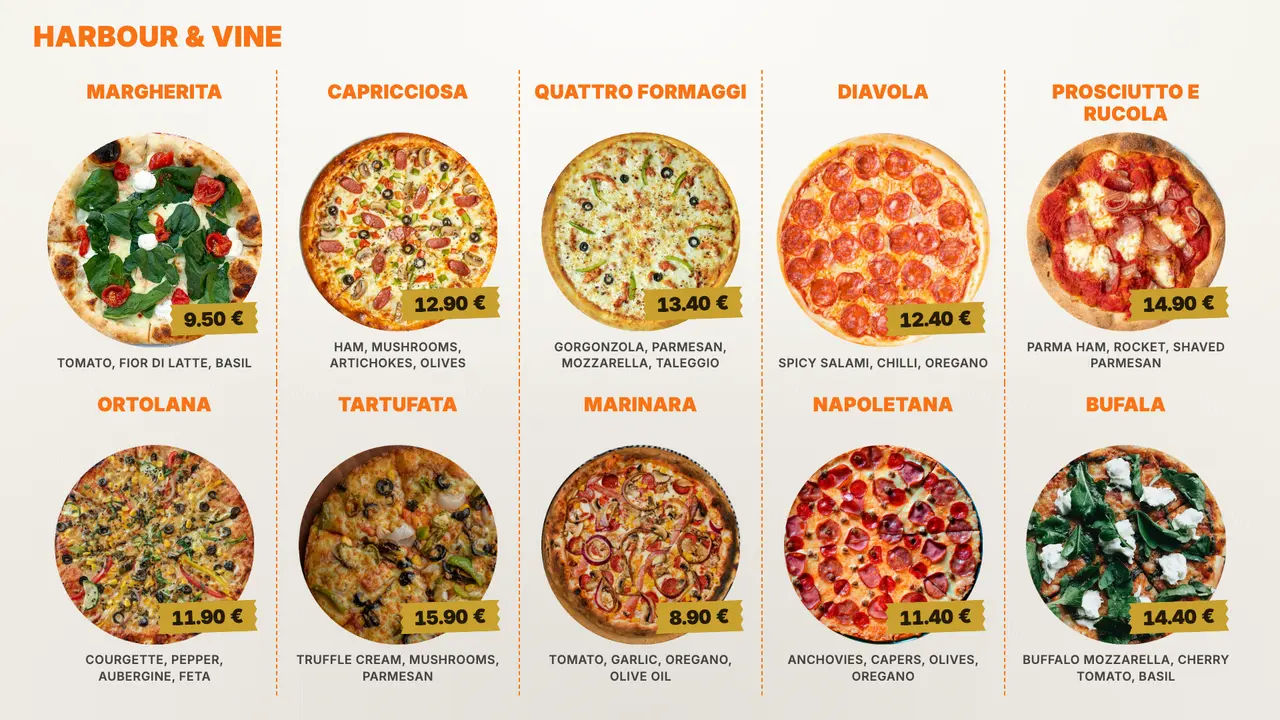
A printed chart, like a pizzeria's
Portrait — by the door or the queue
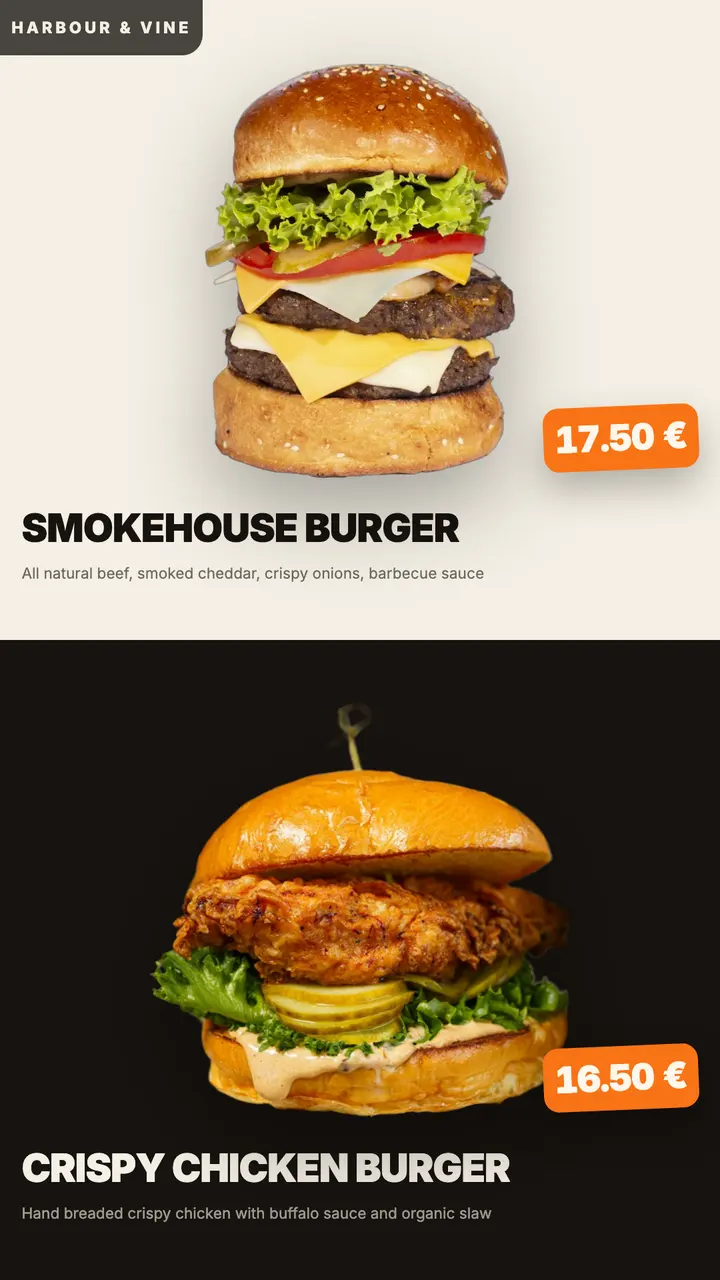
Two dishes a page, at poster scale 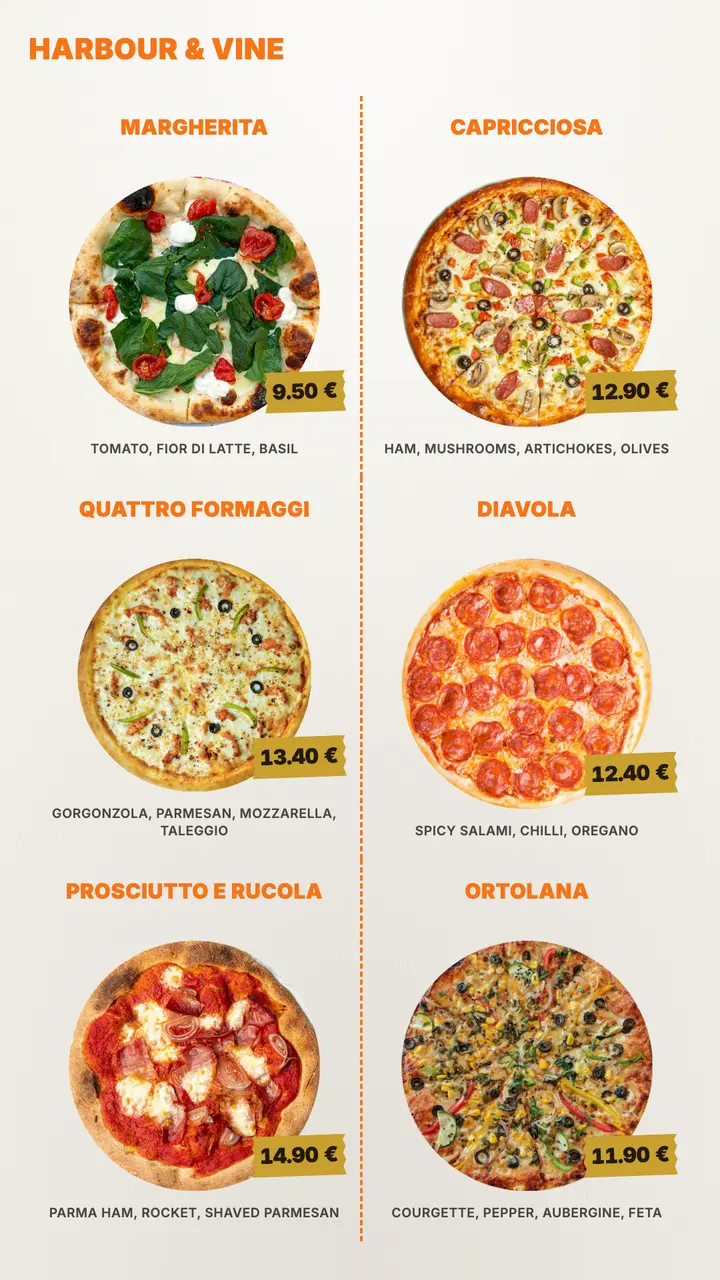
A printed chart, like a pizzeria's
Built for whoever changes the menu on a Tuesday morning
The board is one app in the dashboard: a form to fill in, not a design tool to learn.
Type it or import a CSV
Each item has a name, and optionally a price, a description, a category and a photo. A menu that already lives in a spreadsheet comes in as a CSV in one step.
Categories become pages
A board with Coffee, Kitchen and Desserts shows one category at a time, over as many pages as it needs. A longer menu makes more pages, never smaller type.
Your logo, your colour
The logo sits beside the heading and your brand colour goes on the headings and prices. The currency you pick is written after every price.
Photos when you have them
Several designs are built around dish photos, including cut-out PNGs that float on the board. Switch photos off and those designs fit more items on a page instead.
A price change in seconds
Edit an item, publish, and every screen showing the board updates within seconds. No USB stick, no reprinting, nobody on a ladder.
Keeps playing offline
The menu is stored on the screen and needs nothing from the network to play. If the internet drops in the middle of service, the board stays up.
From printed menu to screen in three steps
Add the board
Add the Menu board app in the dashboard, then type your items or import them from a CSV. The preview beside the form is the finished screen.
Pick the look
Choose a design, add your logo, and set your brand colour and currency.
Publish
Add the board to the screen above the counter and publish. For breakfast and lunch, make a board for each and switch one off and the other on when the menu changes: two taps on a phone, on the wall in seconds.
What it runs on
A menu board is a TV and a small box. We sell neither, and neither needs an installer.
The TV you already have
Any TV with an HDMI input works with an Android TV box behind it. A TV running Android TV or Google TV takes the app directly, with no box at all.
Built for long hours
A consumer TV is made for an evening a day. A board that runs from opening to close is where a commercial display earns its price — and behind a window, brightness beats size.
Priced per screen
€11 per screen a month, with every design and every app included. The 21-day trial has all of it.
More for the screen above the counter
The menu board is one of 32 apps in every plan. Three that venues run beside it:
Menu board questions
Not live — the items live in the dashboard. A menu that is already in a spreadsheet comes in once as a CSV, and from then on a change is a quick edit in the form.
Yes, with a tap each time it changes. Make a board for each menu, add both to the screen, and at 11:00 switch breakfast off and lunch on — from a phone, on the wall in seconds. The screen does not change menus by the clock on its own; its working hours only switch it on and off.
Yes — the PDF app shows it as it is, full-screen, and flips through the pages on its own. The menu board is worth the switch the next time the prices change.
Nothing on the wall changes. The board is stored on the screen, so it keeps playing; edits made in the meantime arrive when the connection is back.
€11 per screen per month, or €100 a year, after a 21-day trial with every feature. There is no charge per app or per design.
Read next
- Restaurants & cafésMenus, specials and QR codes on the TVs above your counter: what goes on each screen, what to buy, how to set it up and how to change it every day.
- Digital menu boards: a complete guide for restaurants and cafésWhat you need for a digital menu board, how to lay out the menu, switch from breakfast to lunch, and keep it playing when the internet drops.
- How much does digital signage cost? A per-screen breakdownWhat one screen really costs: display, player, mount, software, content time and power, with worked examples for one screen and for twenty.
Three steps between a blank TV and a live one.
No server to run, no licence per seat, nothing to install on your network. A display, a power socket and an internet connection.