Blog
Hardware guides for digital signage
Screens and players: which TV is enough, which box to buy, what size to hang and what to skip.
 HardwareDigital signage screen size: how big should the screen be?Pick a signage screen size from viewing distance: a table by diagonal, examples by room, portrait or landscape, and why brightness beats 4K.
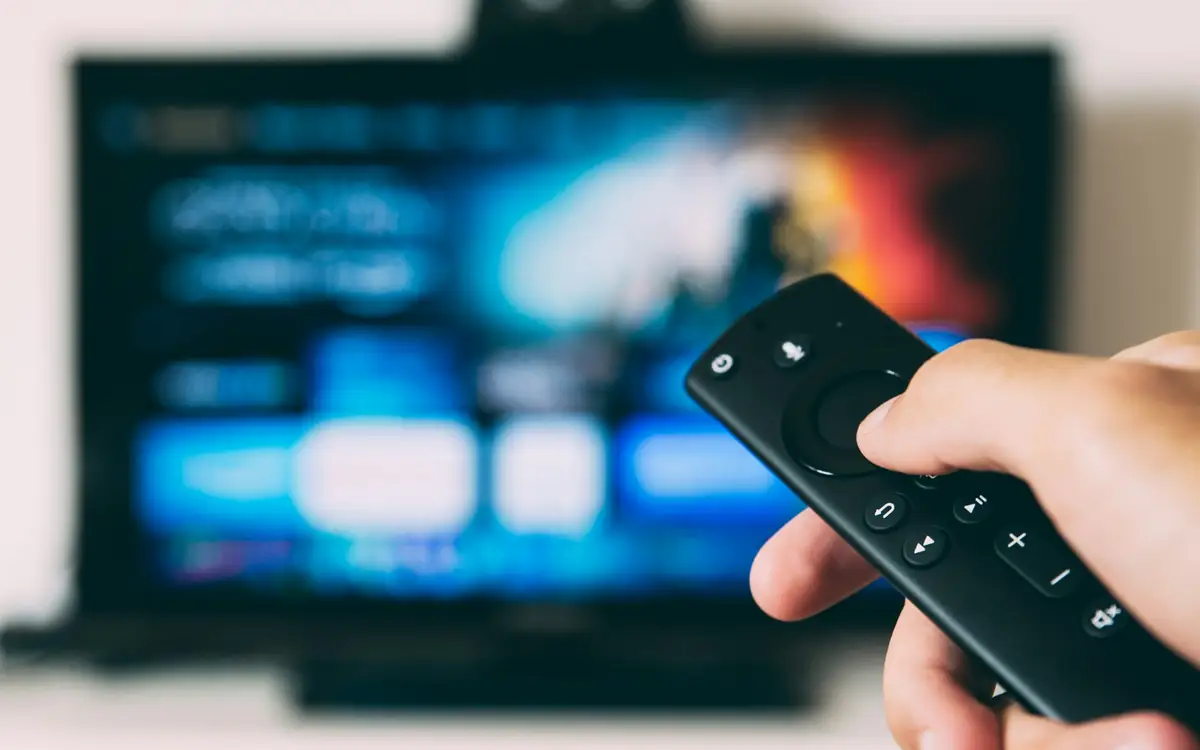 HardwareFire Stick digital signage: can a Fire TV Stick run your screen?Which Fire TV Sticks can install a signage app at all, what goes wrong on a screen nobody watches, and when an Android TV box is the better buy.
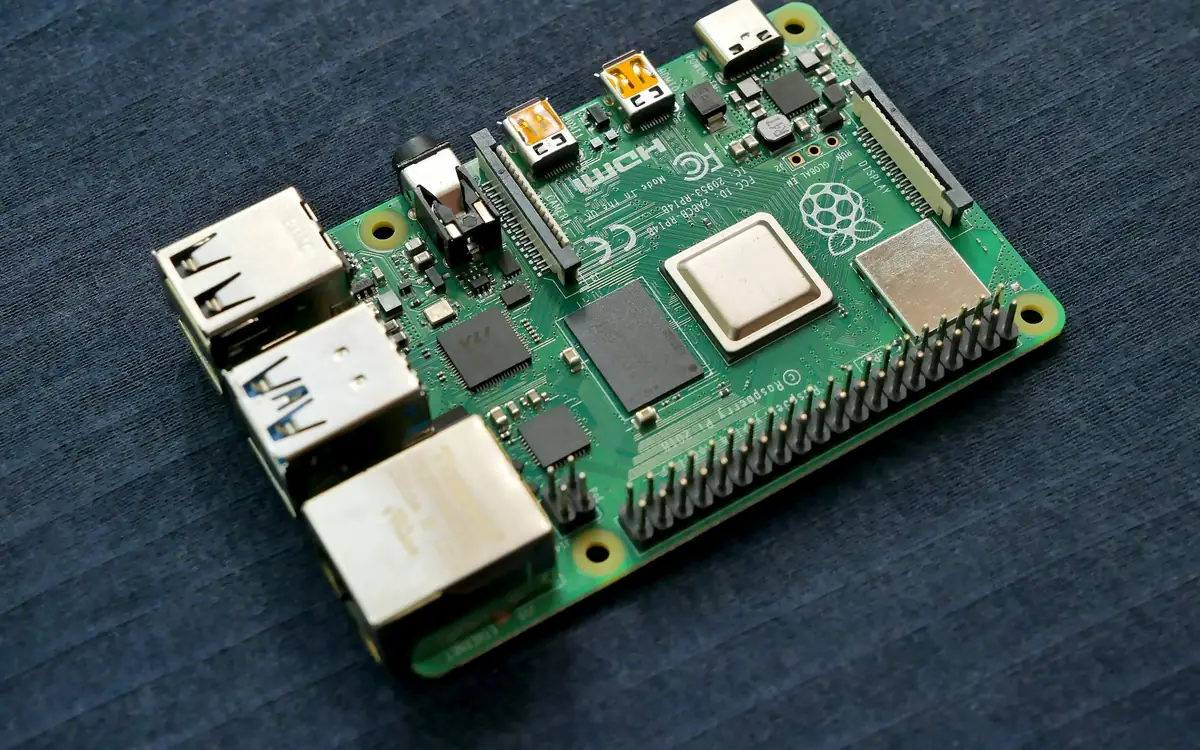 HardwareRaspberry Pi digital signage: when it is worth the effortWhen a Raspberry Pi makes sense for signage, what it costs in time (power, SD cards, heat, updates) and how it compares with an Android box.
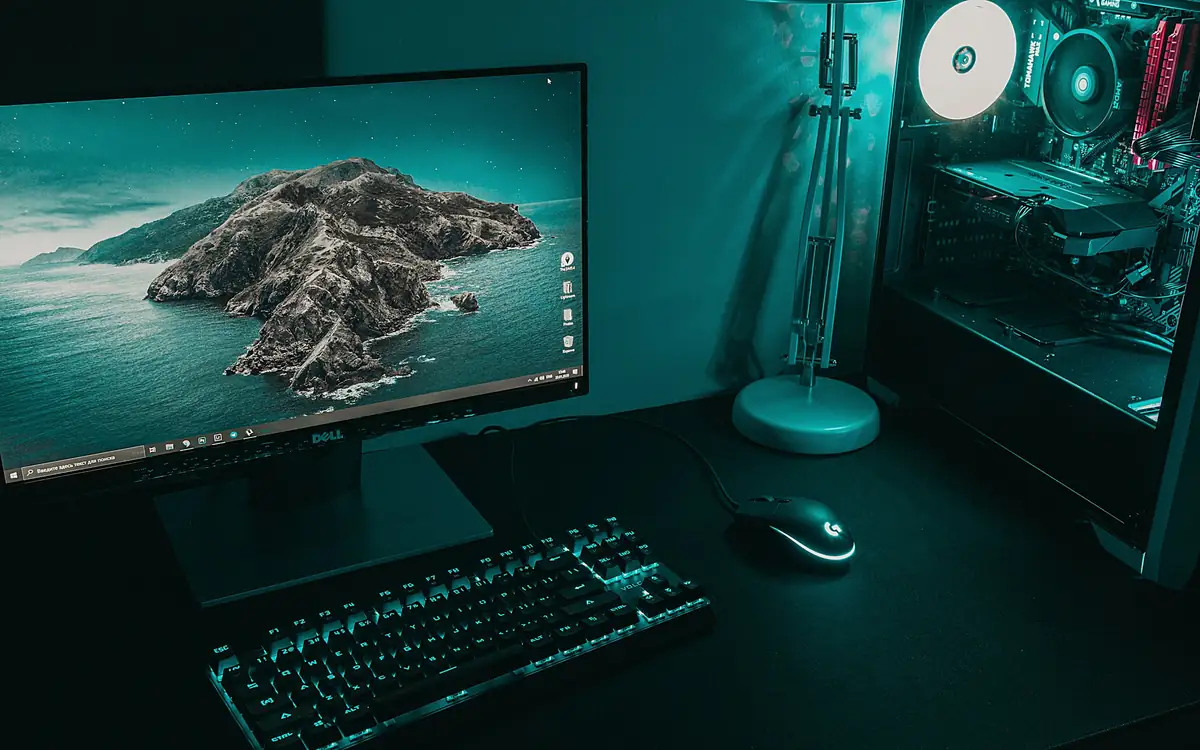 HardwareHow to set up a Windows PC for digital signage that runs by itselfSet up a Windows PC to run a signage screen alone: its own account, automatic sign-in, no sleep, power-on after a cut, silent installs and updates.
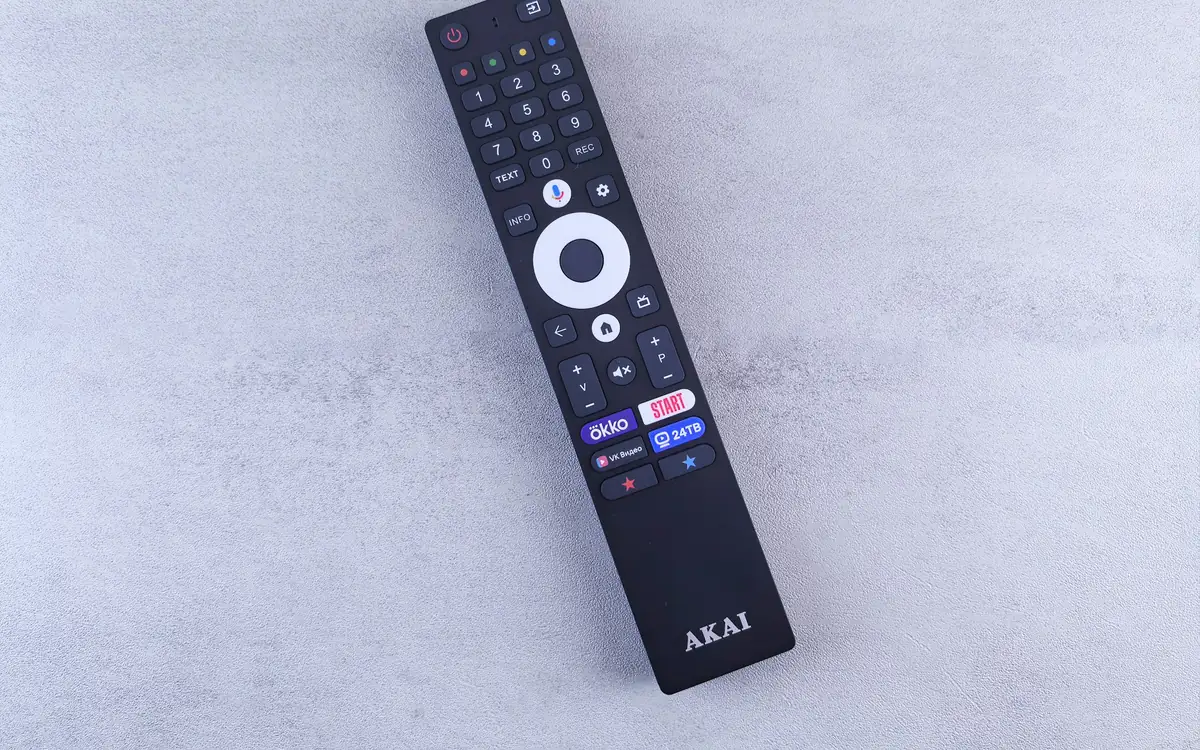 HardwareAndroid TV box for digital signage: what to buy and what to skipWhat an Android TV box for digital signage needs, what to skip, how the app holds the screen in kiosk mode, and how to test one before buying twenty.
 HardwareDigital signage display vs TV: when a consumer TV is enoughWhat a commercial display does that a consumer TV does not: hours, brightness, warranty, power and portrait. And when the TV you have is fine.
 HardwareDigital signage player: the five kinds and the specs that matterWhat a digital signage player does, the five kinds (box, stick, computer, built-in, browser), the specs that matter and what to avoid buying.
 HardwareSmart TV digital signage: which TVs can run it on their ownWhich smart TVs run digital signage by themselves, when a Samsung or LG needs an Android box, and where a USB-stick slideshow stops being enough.
Try it on a screen you already have
Twenty-one days with every feature, on a TV and a browser you already own. No card to start.